Partners
The tour operators and travel agencies you sell to, under People → Partners. They are kept apart from your clients, the travellers themselves. Admins and managers see and edit partners; others do not.
The partner list
Four counts at the top — Total Partners, Active, Countries and Avg Margin — and each partner’s name and code, contact, country, default margin and status below. Search by name or code. The list shows active partners; the Active Only button switches to every partner.
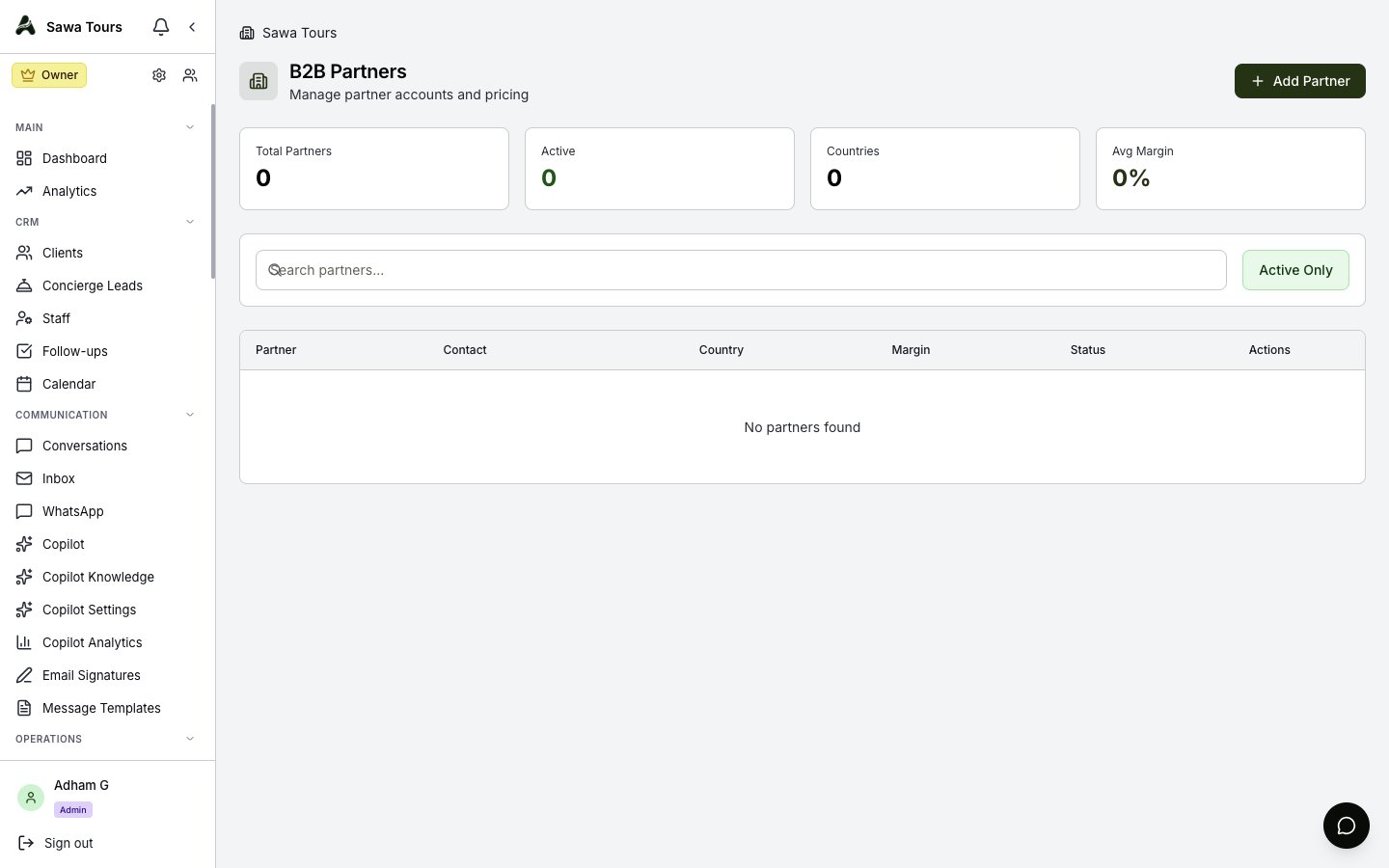
The B2B Partners page
Adding or editing a partner
- Company Name — the only required field.
- Partner Code — leave it blank and the next free code is given: the company’s first three letters and a number (
NIL-001, thenNIL-002for the next “Nile …”). - Contact Name, Email, Phone.
- Country — type any country; common ones are suggested.
- Currency — the currency the partner deals in, your agency’s unless you pick another. It is a record on the partner; it does not change the currency quotes are priced in.
- Default Margin (%) — from 0 to 100; 0% is a real margin (at cost). See below.
- Payment Terms, Credit Limit, Notes — for your records.
- Partner is active — untick it to retire a partner without deleting it.
The default margin
The margin a partner’s prices start from:
- In the B2B Calculator, pick the partner beside Profit Margin before you calculate — their margin is put in. Pick a partner only in the Save dialog and, if the quote was priced at a different margin, the dialog says so.
- In the Quote Builder in B2B mode, picking the partner puts their margin in.
- A margin you change after that is the one the quote uses.
More: B2B Pricing and B2B Quotes.
Deleting a partner
A partner with quotes, bookings or trips cannot be deleted — the message says how many; untick Partner is active instead. A partner with none is deleted.
Deactivated partners drop out of the pickers but keep their quotes, bookings and trips.