B2B Quotes
B2B quotes are rate sheets for your partners: what a trip costs at each group size. They are made in the B2B Calculator or from a trip in the Quote Builder, and all of them land in Sell → B2B Quotes (managers and admins).
Saving a Quote from the Calculator
The calculator is opened from Tours → Tour Manager (the calculator icon on a variation), or after a B2B save in the Quote Builder.
- Calculate the price (see B2B Pricing), and generate the rate sheet if the partner should see several group sizes
- Click Save as Quote (Update Quote when the calculator was opened from the Quote Builder — it reprices that trip's quote)
- In Save Quote, choose the Partner (or No partner / Direct client), and add client details and notes for your own reference
- Click Save Quote
The server prices the quote again from the inputs you calculated — if a rate changed meanwhile, the banner says so and shows the price saved. A price with services that have no rate is saved only if you choose Save anyway. The quote starts as a draft, valid for 30 days; View Quote opens it, and shows the client details and notes you entered.
Screenshot: Save Quote dialog with the partner, client details and notes
Partners
Your partners (tour operators and agencies) are in People → Partners, apart from your clients. Each has a Default Margin (%) (0% counts), which the Quote Builder puts in the margin when you pick the partner; a margin you change after that is the one the quote uses.
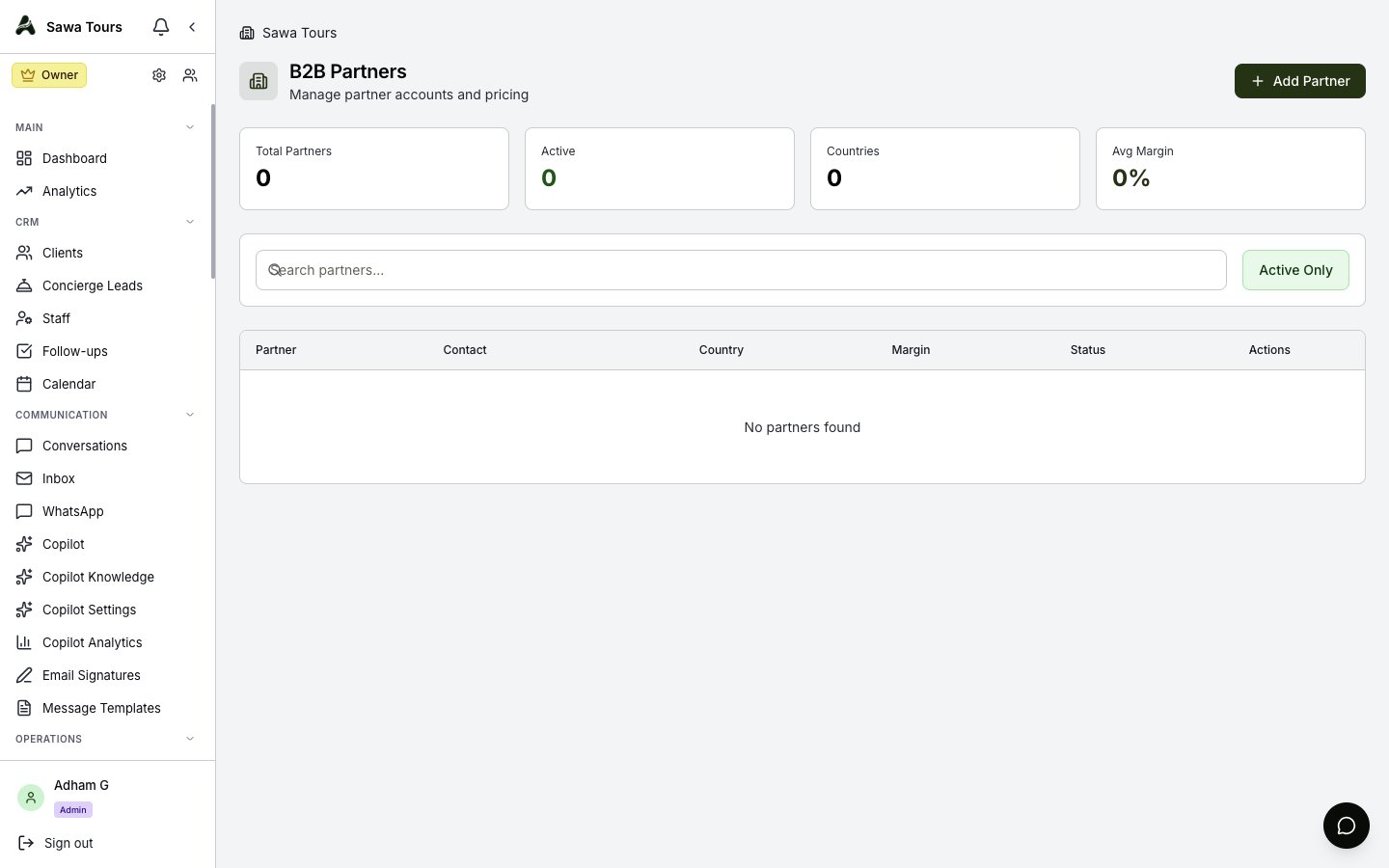
The B2B Partners page
The Quotes List
- Stats — Total Quotes, Drafts, Sent, Accepted
- Search by quote number, partner or trip; filter by status (Draft, Sent, Accepted, Rejected, Expired, each with its count); Filters adds tier, currency, tour leader, created date and validity
- Each quote shows its number, status, tier, partner, trip and start date, and its lowest per-person price (From). Click it to open it.
- Tick quotes to Change Status…, Export CSV or Delete them together
- New Quote opens the Quote Builder in B2B mode
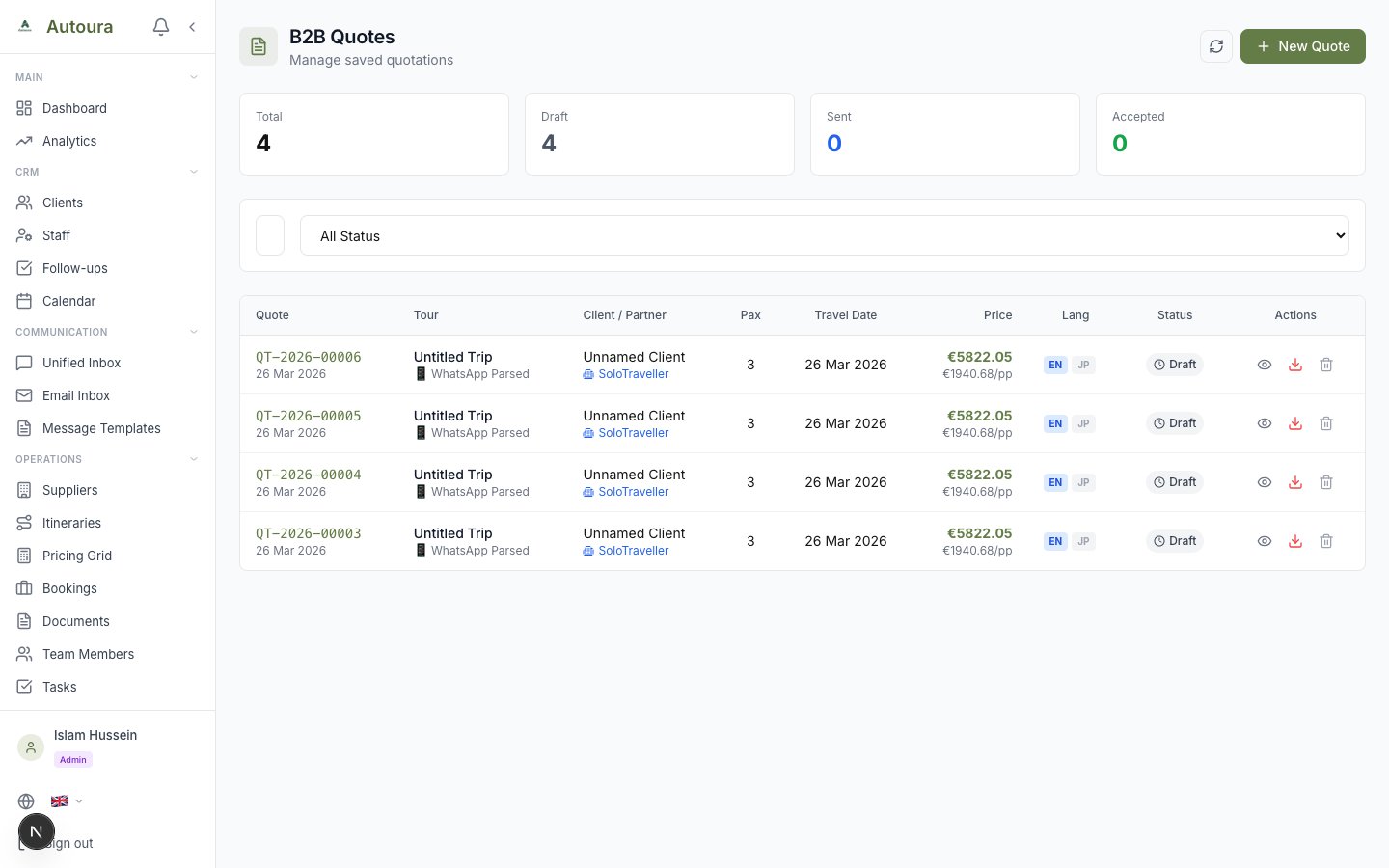
The B2B Quotes list with its stats, search and status filter
A Quote
- Header — Quote number, status (click it to change: Draft, Sent, Accepted, Rejected, Expired), tour leader and guide badges, service tier and season
- Partner Information and, for a quote made from a trip, the Linked Itinerary
- Multi-Pax Pricing Table — The partner's price per person and total at each group size, and the single supplement
- Services in this quote, by day, and the Cost Breakdown
- Validity, Internal Notes and Terms & Conditions
A quote with unpriced services shows a warning; its PDF, sending and booking ask you to confirm first.
Actions
- Quote PDF — Downloads the B2B Rate Sheet: your branding, partner information, trip details, the multi-pax table with the single supplement, validity, and your terms if set
- Send Email — Emails it to the partner with the PDF attached (needs the partner's email)
- WhatsApp — Sends the partner a link to the PDF
- Convert to Booking — Once the quote is Accepted; a quote converts once, then the button becomes View booking
- Edit — Tier, currency, tour leader, the cost components, status, validity, notes and terms. Saving these does not change the partner's price table: to change partner prices, price the trip again. The currency is shown, not changed — a quote in another currency is priced again.
Sending by email or WhatsApp moves a draft to Sent.