Analytics & Reports
Two surfaces cover your numbers: Analytics for business performance at a glance (visible to everyone), and Reports for detailed financial reporting (admins and managers). Both consolidate revenue into a single reporting currency.
Analytics
Open Analytics in the sidebar (Home group) and pick a time range: Last 7, 30, or 90 Days, or Last Year. Key things to know about the numbers:
- One Reporting Currency — Revenue is converted using historical exchange rates. An amber provenance banner explains any trips converted at today’s rate or excluded because a rate was missing
- Booked Revenue — only confirmed and completed trips count, at what each trip’s itinerary shows (its services’ client total)
- Which trips — trips created in the range are counted, not trips travelling in it. Growth compares with the same length of time just before.
- Who sees it — every role, viewers included
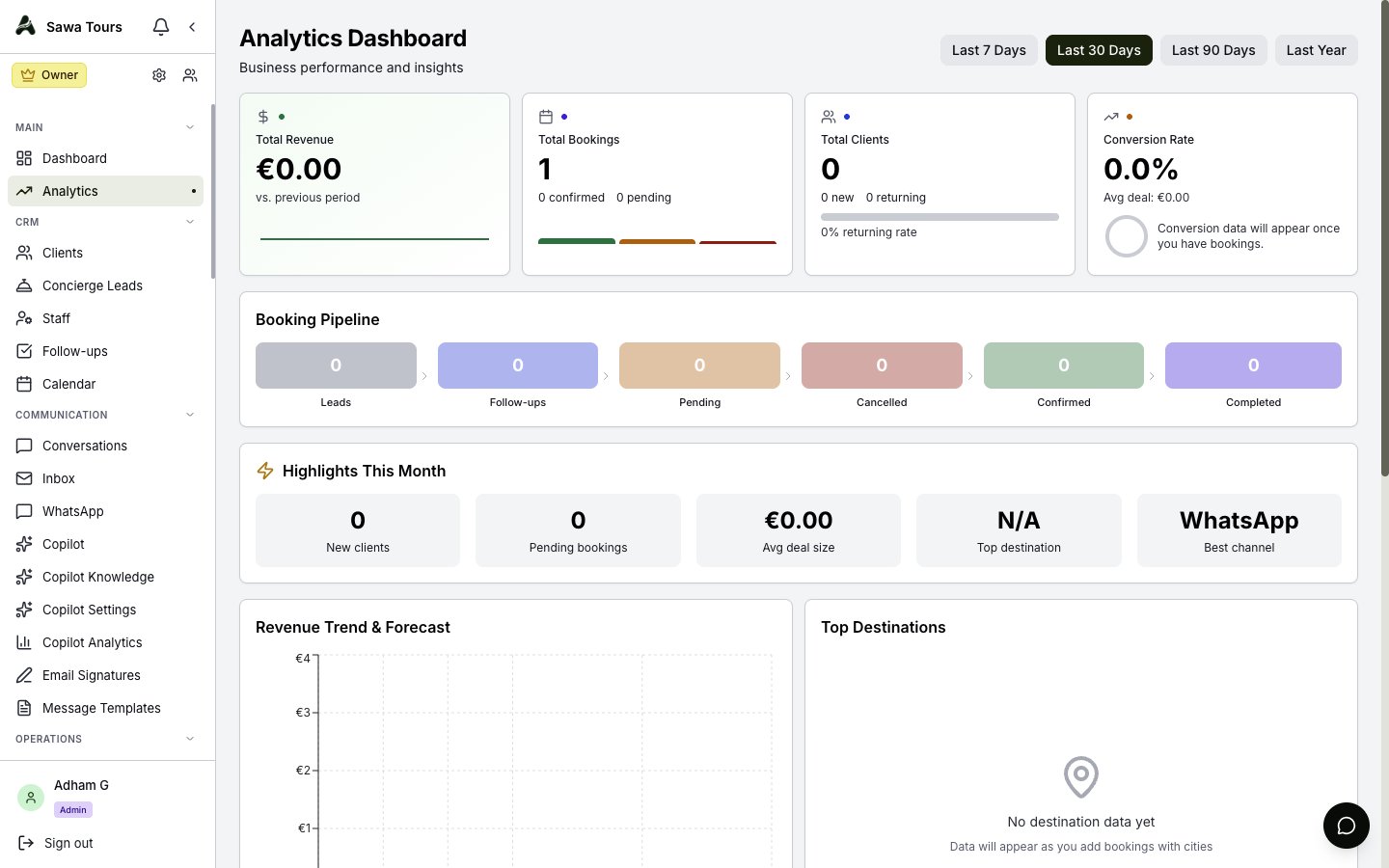
Analytics page top: time range selector and the four KPI cards (Total Revenue, Total Bookings, Total Clients, Conversion Rate) with sparklines
What’s on the Analytics Page
- KPI cards — Total Revenue (with growth); Total Bookings (confirmed, sent and awaiting the client, cancelled and completed — drafts are not bookings); New Clients (clients added in the range, split into leads and customers); and Conversion Rate (trips confirmed or completed, out of every trip started, drafts included)
- Revenue Forecast — a projection with a confidence percentage and trend, from a regression over every week of the range (a week with no bookings counts as 0)
- Booking Pipeline — your leads (all time) and open follow-ups, then the range’s trips by stage: pending, cancelled, confirmed, completed
- Highlights — for the selected range: new leads, quotes pending, average deal size, top destination and open follow-ups
- Revenue Trend & Forecast — revenue week by week (weeks start on Monday, UTC), with the projection
- Top Destinations — with a dropdown filter
- Booking Status and Revenue by Destination
- Quick Actions — shortcuts to common pages
If Analytics cannot load, it says so instead of showing zeros; if only some figures fail, a banner names them.
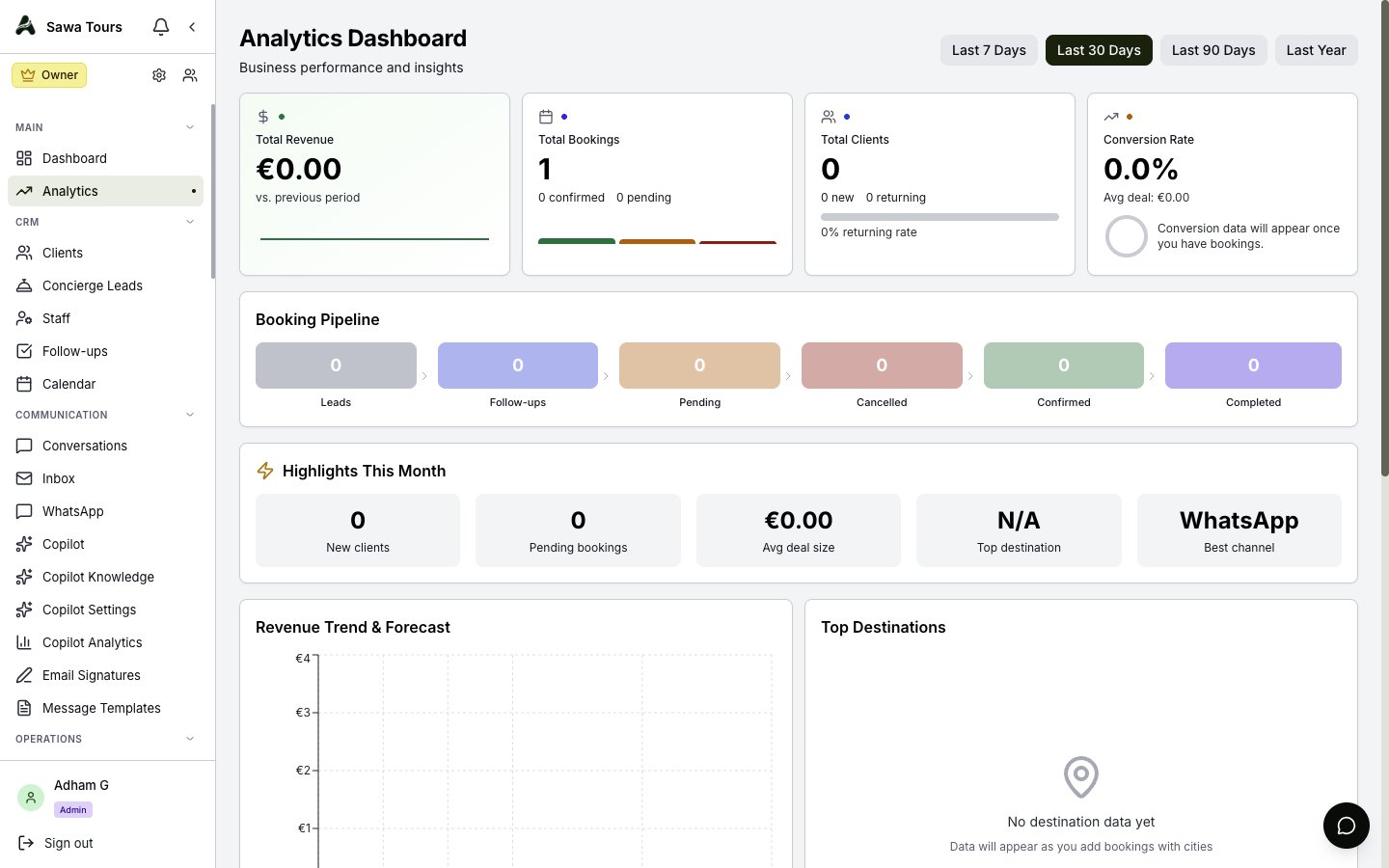
Analytics page scrolled to the Revenue Forecast card with confidence %, Booking Pipeline, Highlights This Month, and the Revenue Trend & Forecast chart
Financial Reports
Open Reports in the sidebar (Home group; admins and managers only). The page is headed Financial Reports, with a year selector and five tabs:
- Overview — Summary cards including profit margin, collection rate, and average trip value, plus Quarterly Performance and Monthly Revenue vs Expenses
- Revenue — A monthly revenue table
- Cash Flow — Inflows, Outflows, Net, Pending Receivables, Pending Payables, and Projected Cash, with a monthly table
- Tax Summary — Taxable income, VAT collected (the tax on your invoices) and an expense breakdown by category. VAT you paid is not tracked, so it is shown as not tracked rather than estimated
- Commissions — Totals, breakdown by type, and a per-recipient table
Every table exports to CSV, and the same FX provenance banner from Analytics appears here so you always know how currencies were converted.
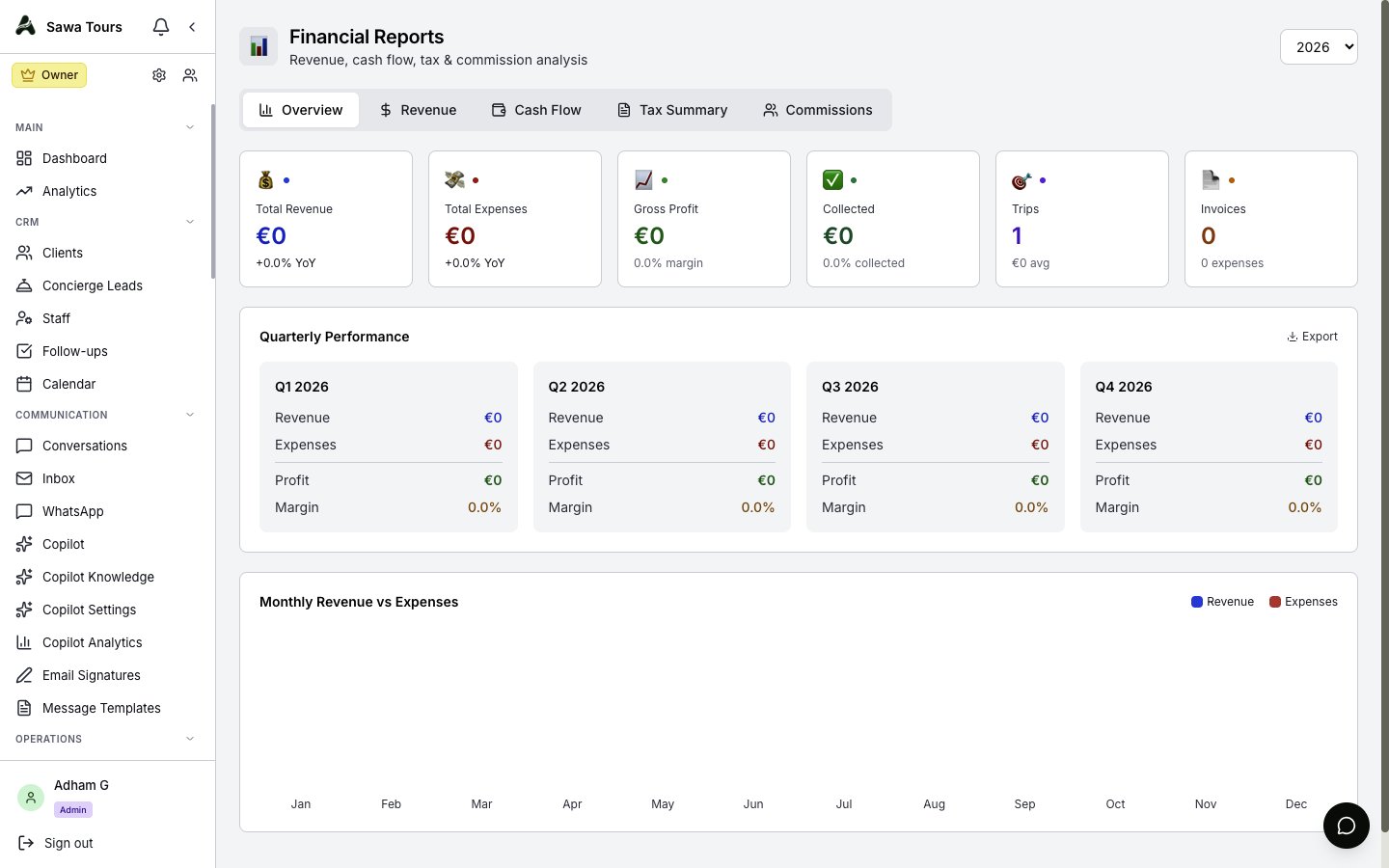
Financial Reports page with year selector and the five tabs, Overview tab active showing summary cards and Quarterly Performance
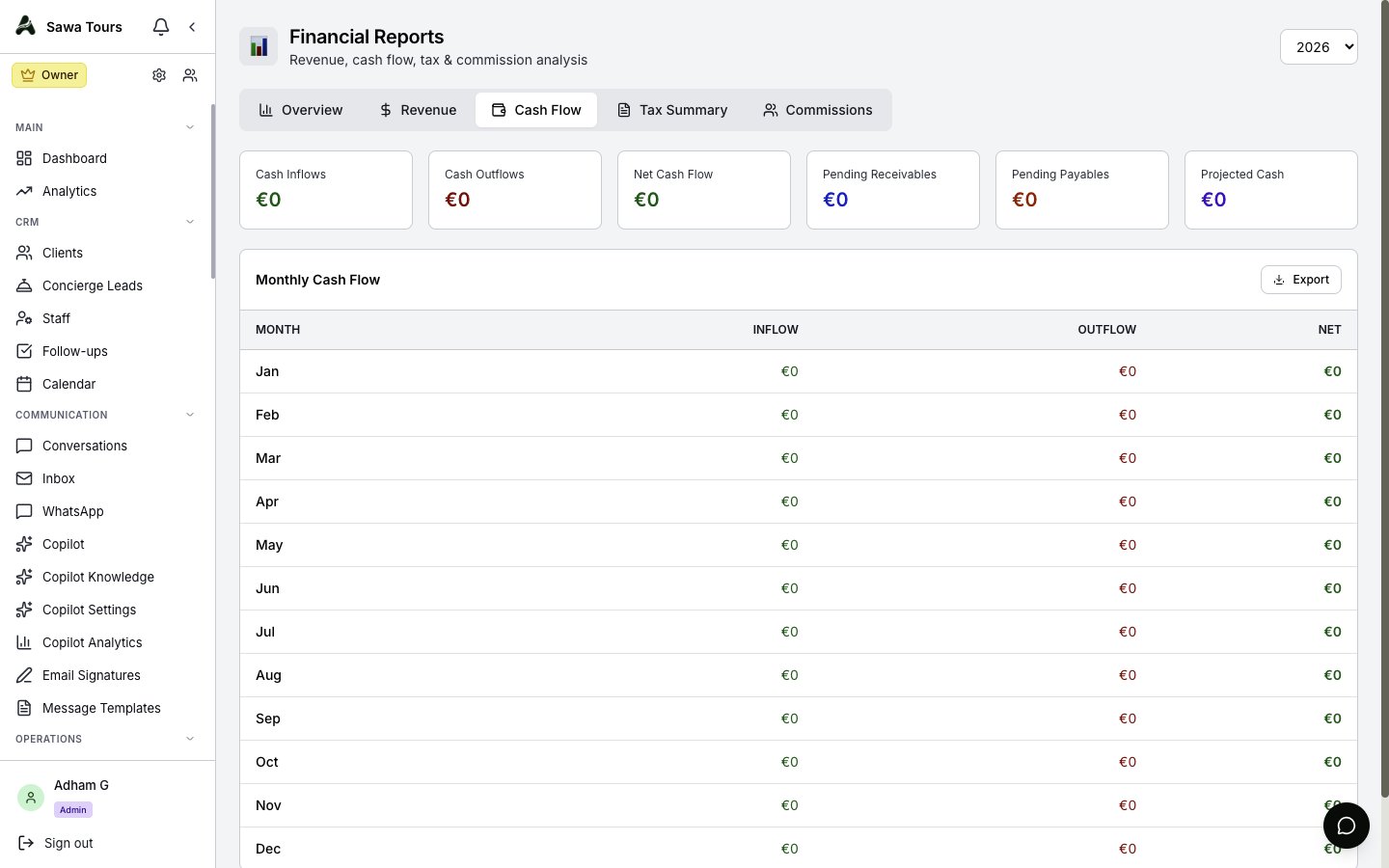
Financial Reports Cash Flow tab showing Inflows, Outflows, Net, Pending Receivables, Pending Payables, Projected Cash, and the monthly table